How to Make a Cursive Signature — Step-by-Step Guide
Learn how to make a cursive signature with 4 design principles, slant tips, and a free signature generator. Design a readable, personal sign-off.
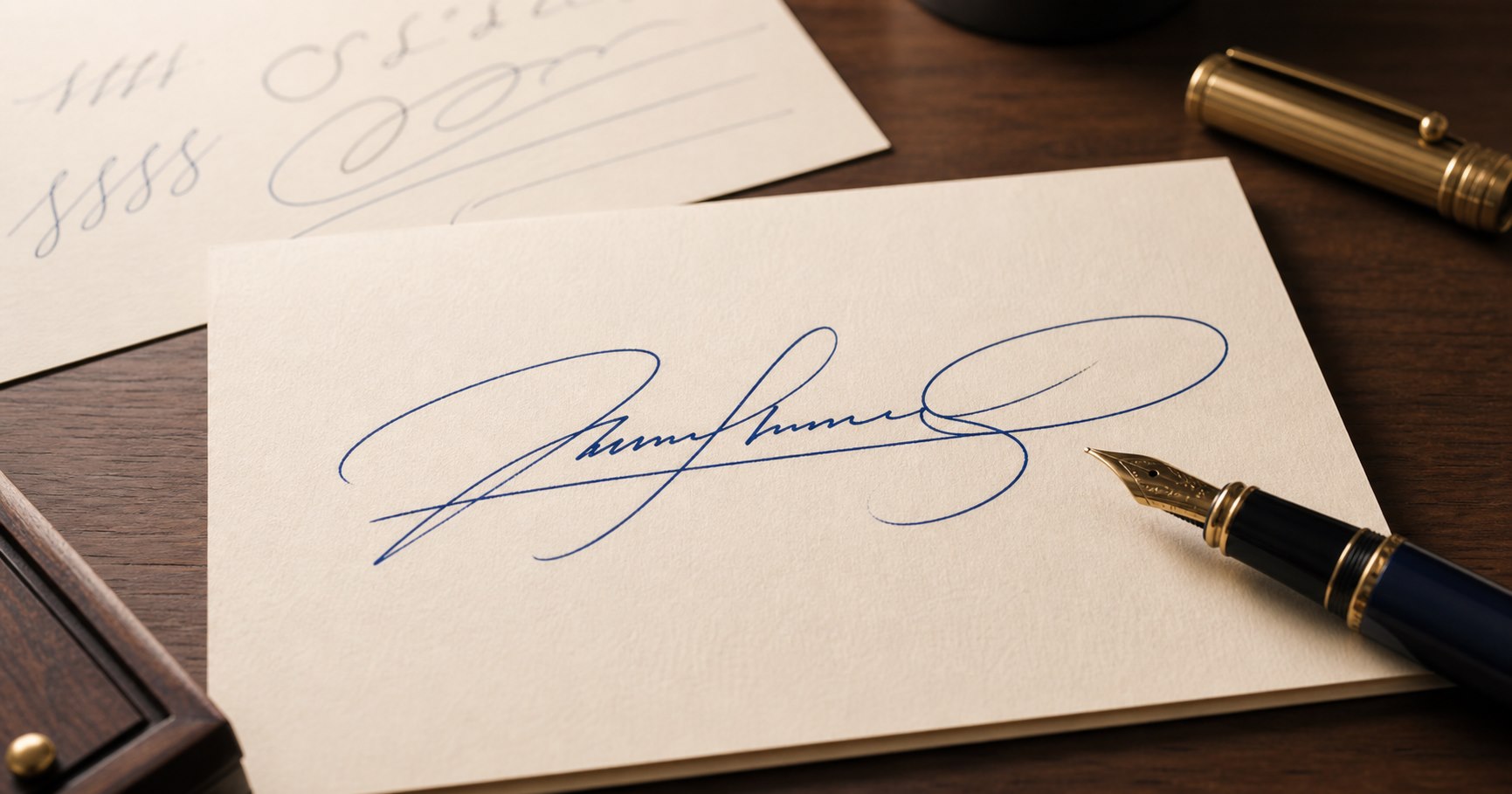
Your signature is the most repeated piece of handwriting you will ever produce — yet most people never design it deliberately. They scribble their name once on a form and repeat that shape for decades. A thoughtful cursive signature balances readability, speed, consistency, and personal character.
This guide walks you through the four principles of a good signature, then shows you how to design one using our free tool.
The 4 Principles of a Good Cursive Signature
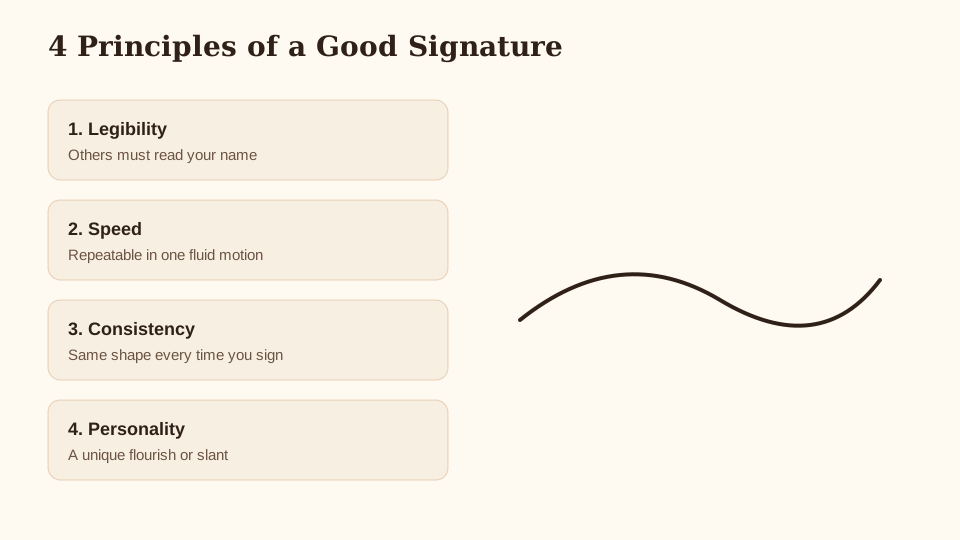
1. Legibility
At least part of your name should be recognizable. You do not need every letter to be clear — many professional signatures emphasize the first and last letter while simplifying the middle — but a completely illegible scribble creates problems for banks, contracts, and identity verification.
2. Speed
You will sign your name thousands of times. A signature with too many loops or pauses becomes tiring and inconsistent under pressure. Design for one continuous motion.
3. Consistency
Practice until the shape is muscle memory. Your signature on a receipt should match your signature on a contract closely enough that a reviewer can connect them.
4. Personality
A slight slant, an extended cross on t, an underline flourish, or a connected initial gives your signature character without sacrificing the first three principles.
Step-by-Step Signature Design
Follow this workflow to build your signature from scratch or refine an existing one:
- Write your full name in cursive slowly — use the cursive signature generator to preview your name in 20+ script fonts
- Pick a base font — choose a readable script (Dancing Script, Great Vibes, Sacramento, or Ms Madi work well for signatures)
- Simplify the middle — drop or merge letters in your first or last name until the shape feels fast
- Add one personal touch — a flourish on the first capital, a tail underline, or a connected initial
- Practice 20 repetitions — on paper, not just on screen, until the motion feels automatic
- Download a reference PNG — use the generator's transparent PNG export for email signatures or practice tracing
Free Cursive Signature Generator
Type your name, adjust slant and font, then download a transparent PNG or SVG signature. No sign-up required.
Open free tool →Compare your signature style with a formal cursive name generator preview if you want a more decorative first-name emphasis.
Adding Slant and Personality
Slant: most cursive signatures lean slightly forward (10–20°). Use the slant slider in the cursive signature generator to find an angle that feels natural. Extreme backward slant can look hesitant; extreme forward slant can feel rushed.
Capital emphasis: make your first initial larger and more decorative than the rest. This is a classic signature pattern — readable at a glance.
Underline flourish: a single stroke beneath your name adds flair common in professional signatures. Do not overdo loops; one clean line is enough.
Initials-only option: for compact signing (credit card slips), design a separate initials version. Our cursive letter generator helps preview individual capital forms.
Avoid copying a celebrity or cartoon signature — your signature should be yours, not a imitation that creates confusion in legal contexts.
Legal Considerations
This section is general information, not legal advice. Signature requirements vary by country, state, and document type.
- Consistency matters — institutions compare signatures across documents. Wildly different shapes may trigger verification requests.
- Digital vs. wet signatures — typed names, stamp signatures, and e-signature platforms each have different rules. Check what your document requires.
- Identity verification — banks and government agencies may ask you to re-sign if your signature changed significantly after injury, age, or habit change.
- Minors and guardians — parents may sign on behalf of children depending on local law.
When in doubt, consult a legal professional in your jurisdiction before relying on a new signature for binding documents.
Frequently Asked Questions
How do I make a cursive signature for free?
Type your name in the cursive signature generator, pick a font, adjust slant, and download PNG or SVG.
What is the best font for a cursive signature?
Readable scripts with clear capitals work best — Dancing Script, Sacramento, Great Vibes, and Ms Madi are popular choices. Avoid overly decorative fonts that sacrifice legibility.
Can I use a generated signature on legal documents?
Generated images are references for practice. Your actual wet signature should be written by hand. Legal validity depends on local law and document type — not on the font you previewed.
How do I add my signature to Gmail or email?
Download a transparent PNG from the generator and insert it as an image in your email signature settings.
Should my signature match my printed name exactly?
Not necessarily. Many signatures simplify or reorder letters. At least one portion should be recognizable as your name.
How is a signature different from a logo?
Signatures identify you on documents. Logos identify a brand visually. For brand-style cursive marks, try the cursive logo generator instead.
Related Guides
- How to Write in Cursive — handwriting fundamentals
- Cursive vs Italic vs Script — terminology explained
- Cursive Font Generator — compare script styles
If you would rather type your own words than copy an example, the cursive generator handles any text and lets you compare styles side by side before you export.